From paper
to your own archive.
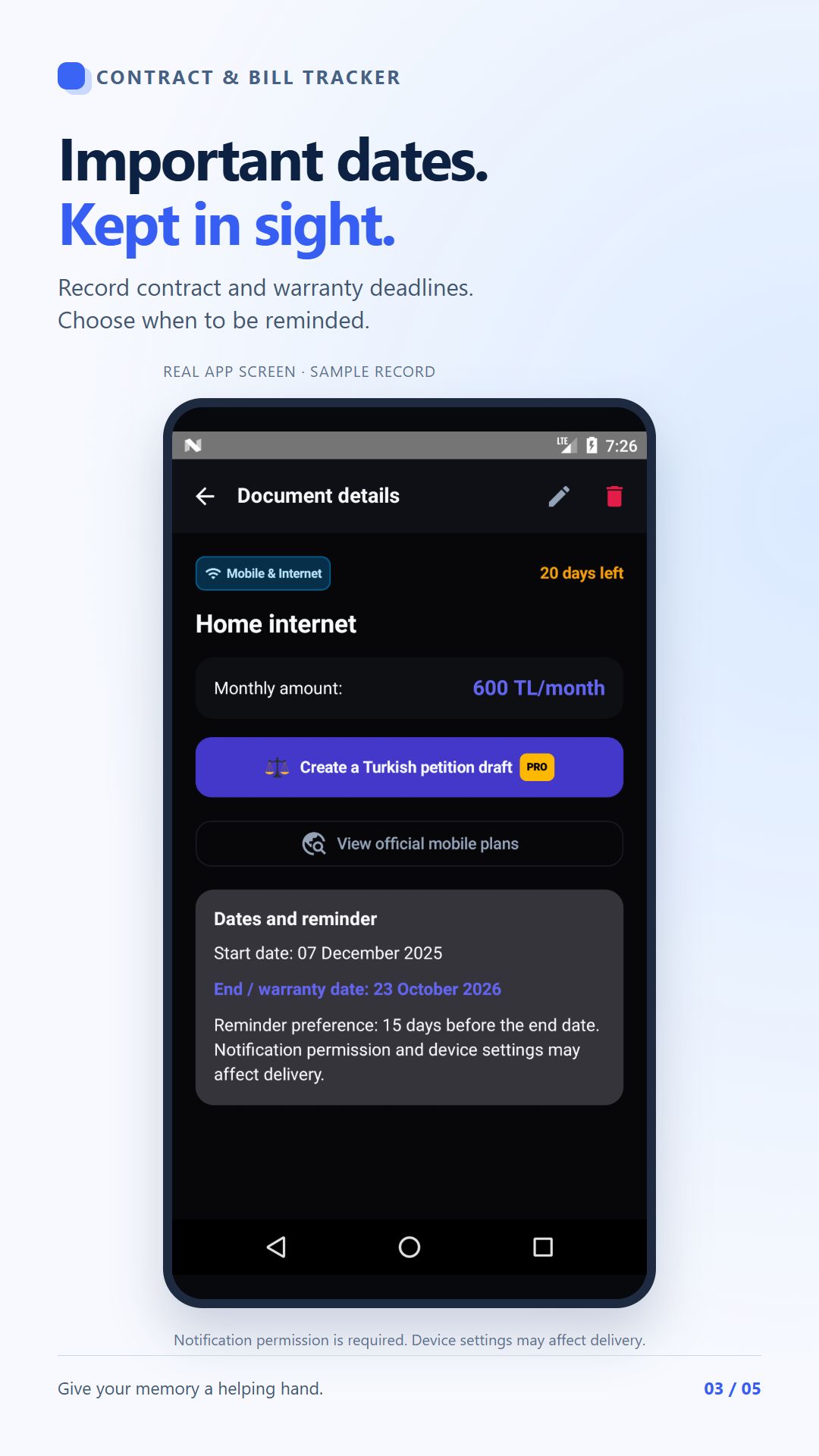
Scan a document or enter it manually. Review the title, dates and amounts.
A LITTLE ORDER FOR EVERYDAY PAPERWORK
Bills, contracts and warranty documents.
One organised collection. Important dates within reach.
Android · English / Turkish · Free: 2 documents with ads
Real app screens · Sample records
START WITH YOUR FIRST DOCUMENT
Open the scanner or choose manual entry.
Verify the title, date and amount before saving.
Save an important date and check notification permissions.
A SMALL HABIT, A CLEARER COLLECTION
A drawer, an email, another folder…
Start from one organised place.
Scan a document or enter it manually. Review the title, dates and amounts.
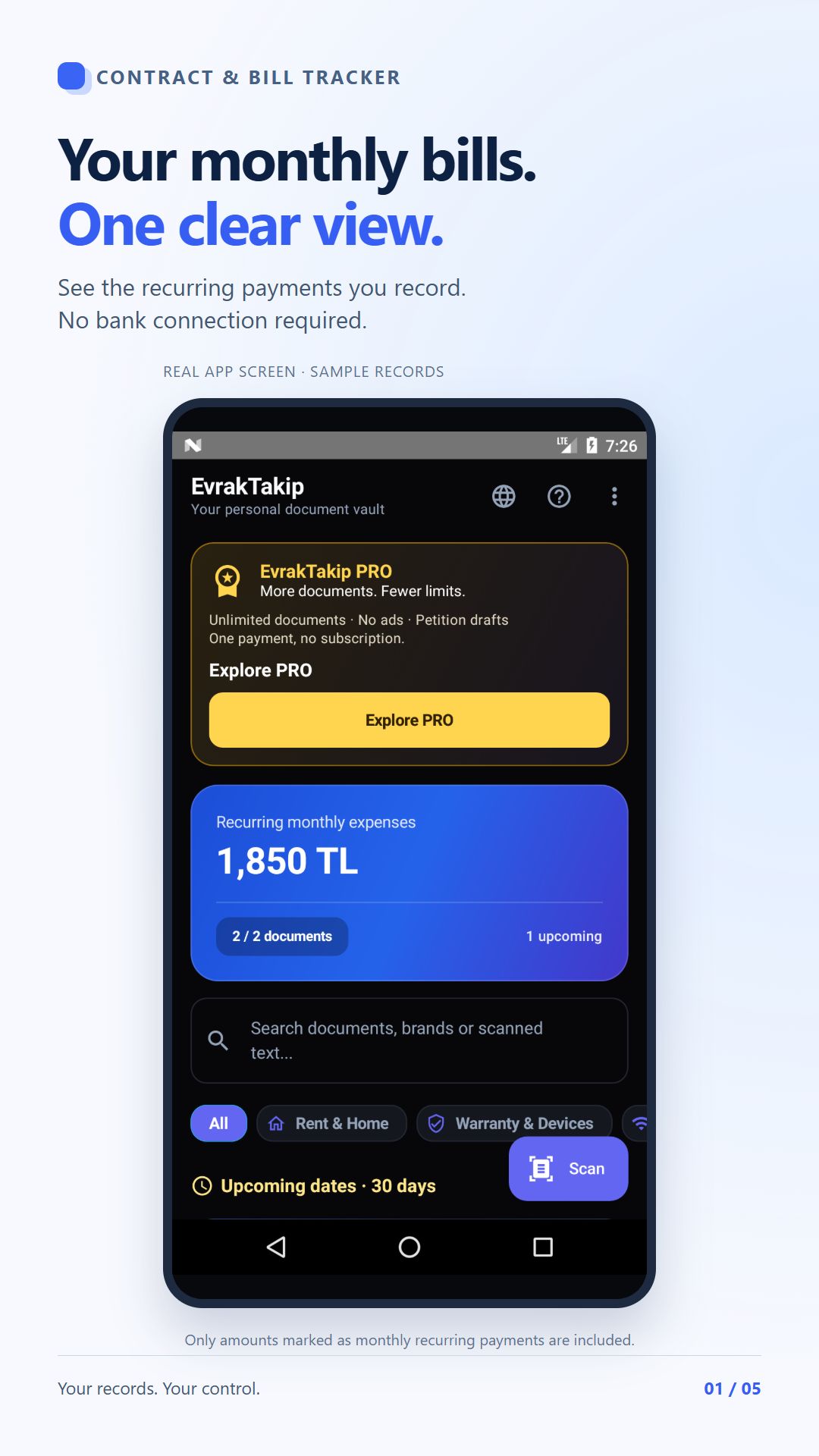
See the total of the records you mark as recurring monthly expenses. It is based on your own entries. Compare fixed and variable bills in our example →
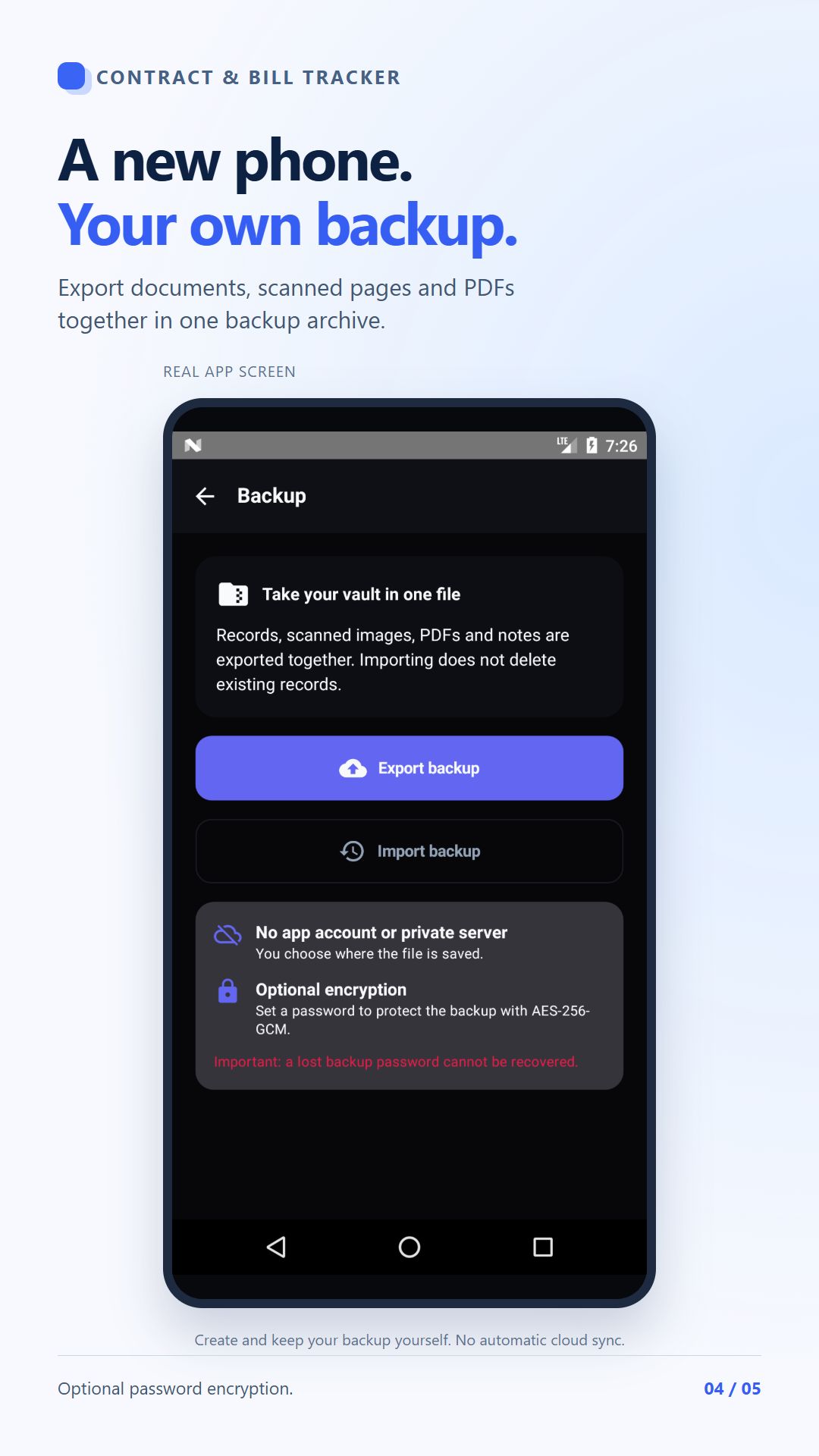
Record contract and warranty end dates. Choose when to be reminded.
Notification permission, device availability and battery settings may affect reminder delivery.
SEE THE DETAILS
Tap a card to enlarge it.
Records shown are examples.
CHOOSE WHAT YOU NEED
Build your own system first.
Make room for a larger archive when needed.
Both options are in the same Android app. PRO is purchased inside the app through Google Play. This site does not take payments. See the current price in the purchase screen.
For a small document collection.
For a larger personal archive.
PRACTICAL, FREE GUIDES
CLEAR ANSWERS
No. This is a promotional website and guide library, not a document upload service or account portal. Open Google Play to learn about the Android app.
No. The app does not connect to your bank or service-provider accounts. You add documents and records yourself and should check OCR results before saving.
Documents are kept on your device. You export and keep your own backup; there is no automatic cloud sync. Ads, purchases and online content may use the internet. See the app privacy policy for details.
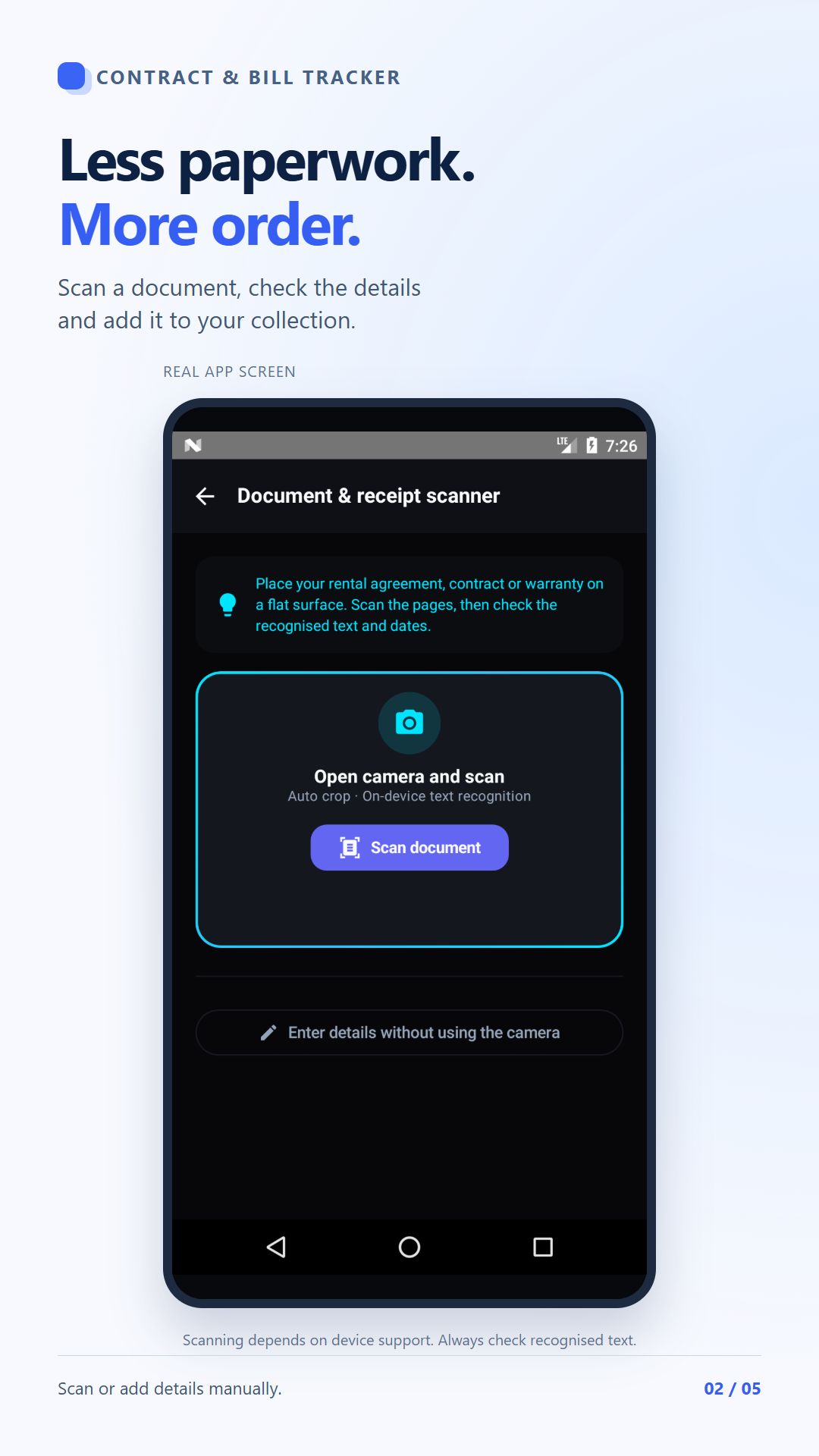
Export a backup first. Import it on the new phone and open records and attachments to check them before deleting anything on the old phone. A forgotten encrypted-backup password cannot be recovered.
No. It is an informational reminder. You must complete cancellation, renewal and payment actions through the relevant provider.
SAY HELLO
Questions, suggestions or support? Write to us.
[email protected] ↗App support: [email protected]
Do not send passwords, payment information or private documents.